
Add or edit a game
Schedule a game ahead of time, or edit the date, opponent, time, or location after the fact.
Open the Games page
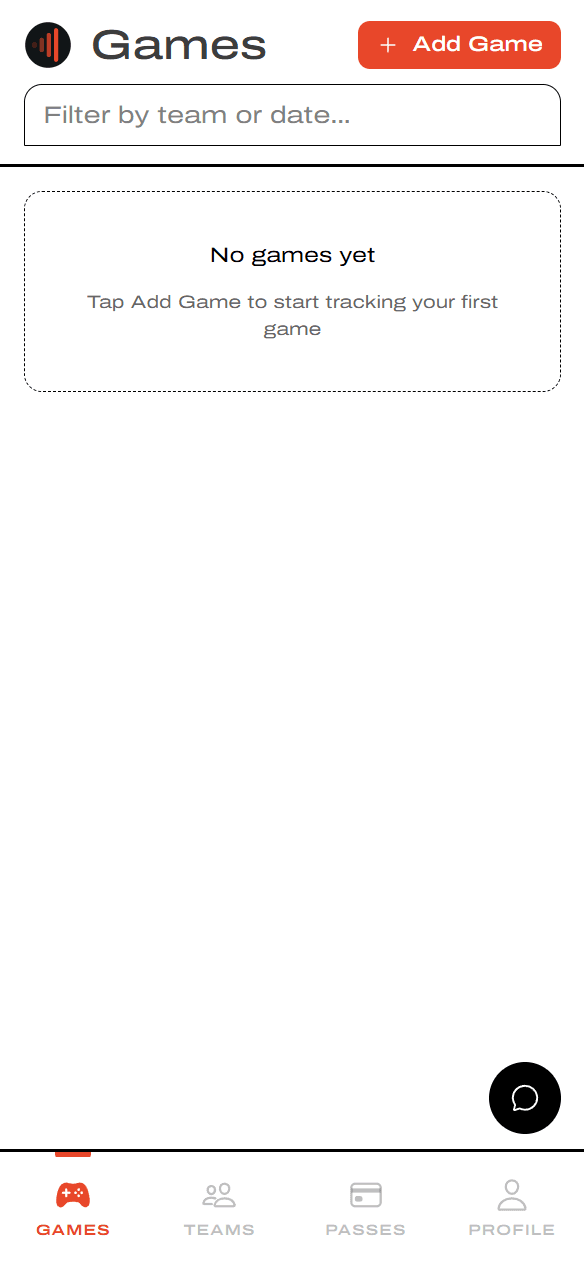
Tap Games, then + Add Game
From the bottom nav, tap Games. Tap + Add Game in the top-right to start a new one.
Create the game
Open the Create Game form
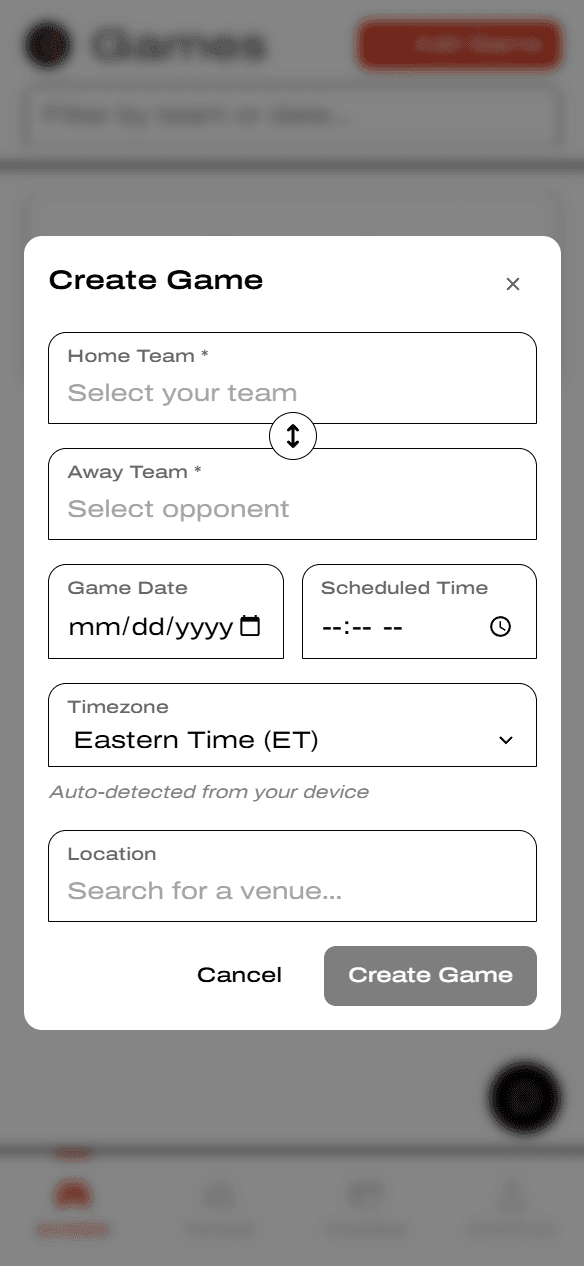
The form asks for both teams, the date and time, the timezone (auto-detected), and a venue. Cancel sits next to Create Game at the bottom.
Pick at least one team you own a pass for
Tap Home Team and pick from the list — teams you hold a Roster Pass for are tagged MY TEAM. Tap Away Team to pick or type the opponent.
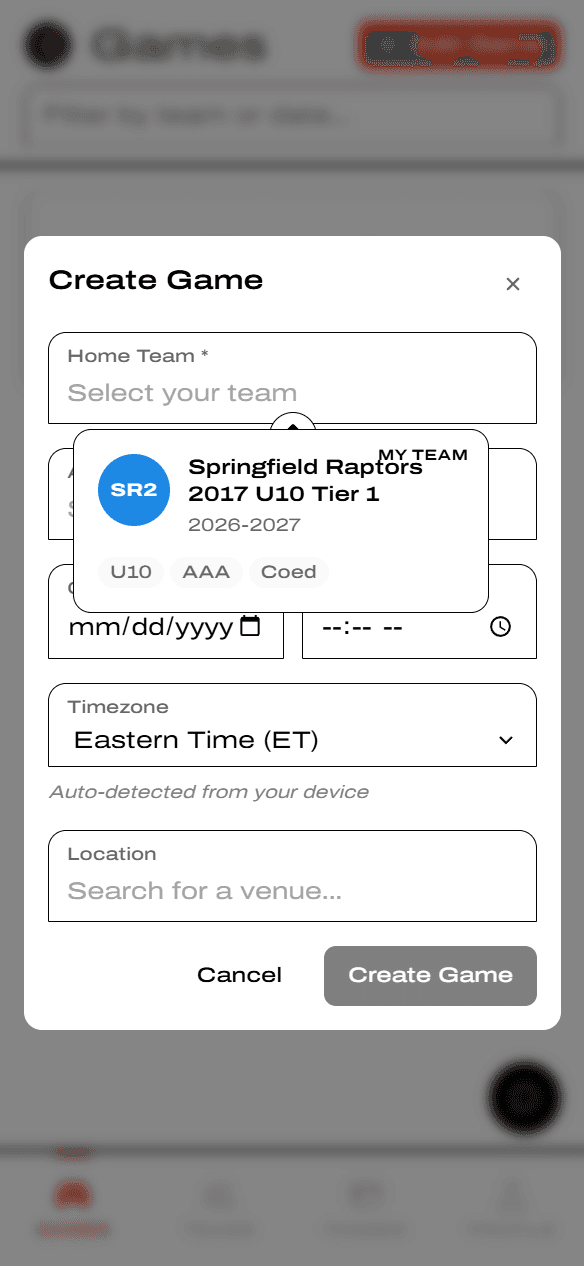
To create a game, at least one of the two teams must be a team you own a Roster Pass on.
The opponent can either be an existing YAWK team in the same sport, or — if they're not on YAWK yet — you can create an ad-hoc team just by typing the opponent's name.
Fill in details and save
Add date, time, and venue
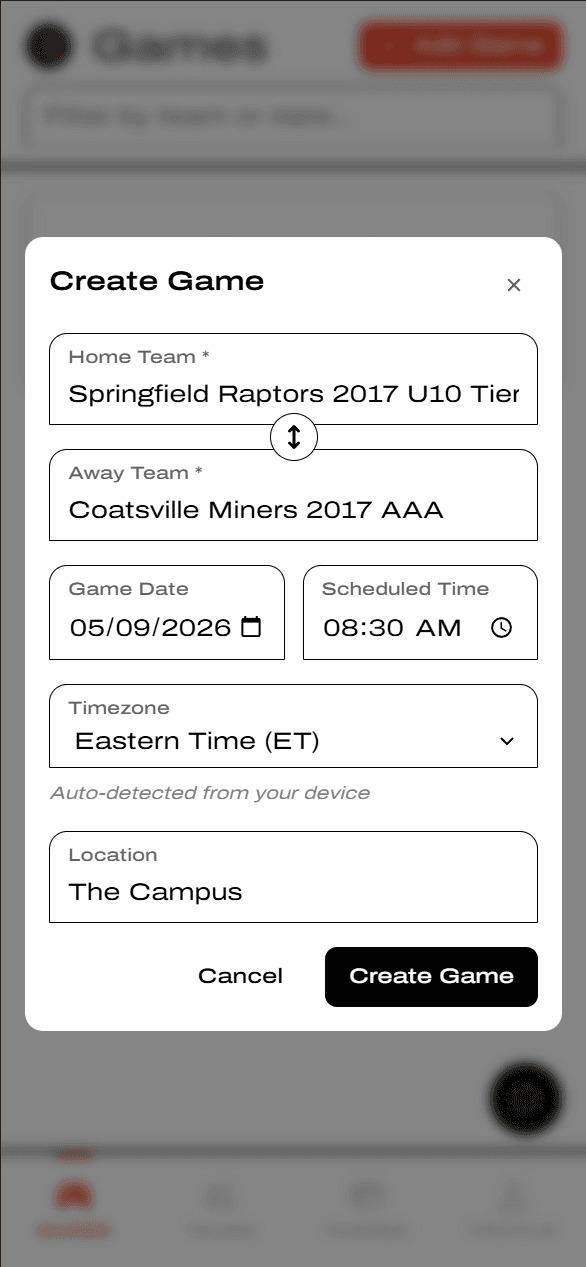
Pick the Game Date and Scheduled Time. Type a venue into the Location field — it autocompletes through Google Maps so you can pick a real address. When everything's set, tap Create Game.
See the game on your schedule
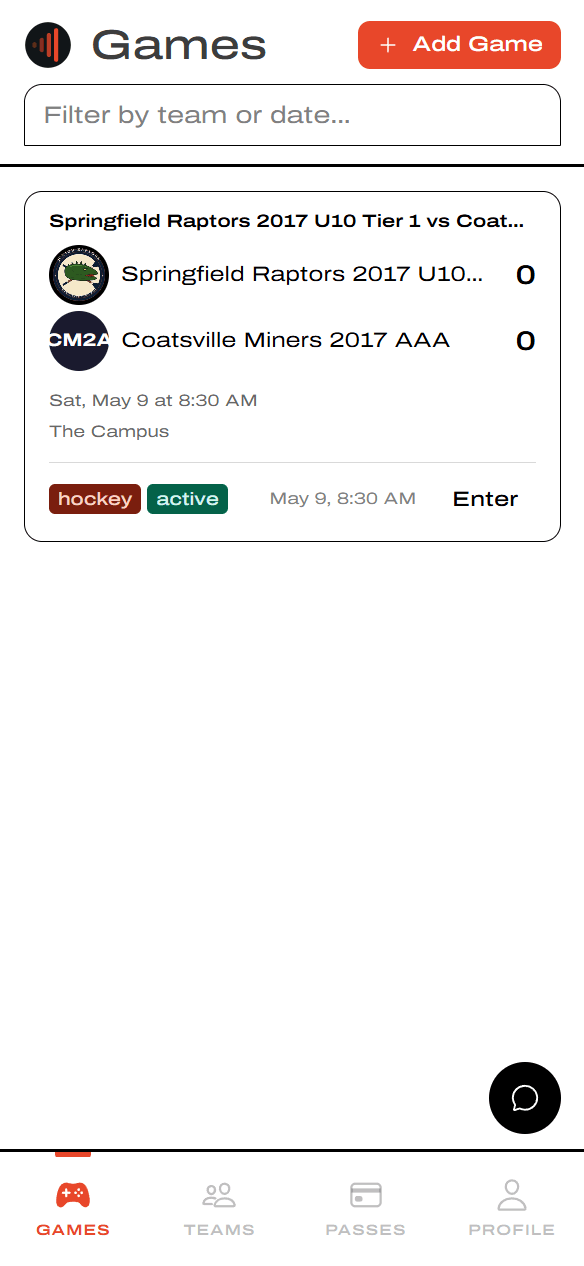
The game appears on the Games page with both teams, the score (0–0 until kickoff), the date and venue, and a sport tag. Tap Enter to open the game.
Edit or cancel a game
Open the game and use the header buttons
From the Games page, tap the game to open its detail screen. The header shows three actions: Back, Edit (re-opens the same form to change date, time, opponent, or venue), and Cancel Game (calls off the game without deleting its history).
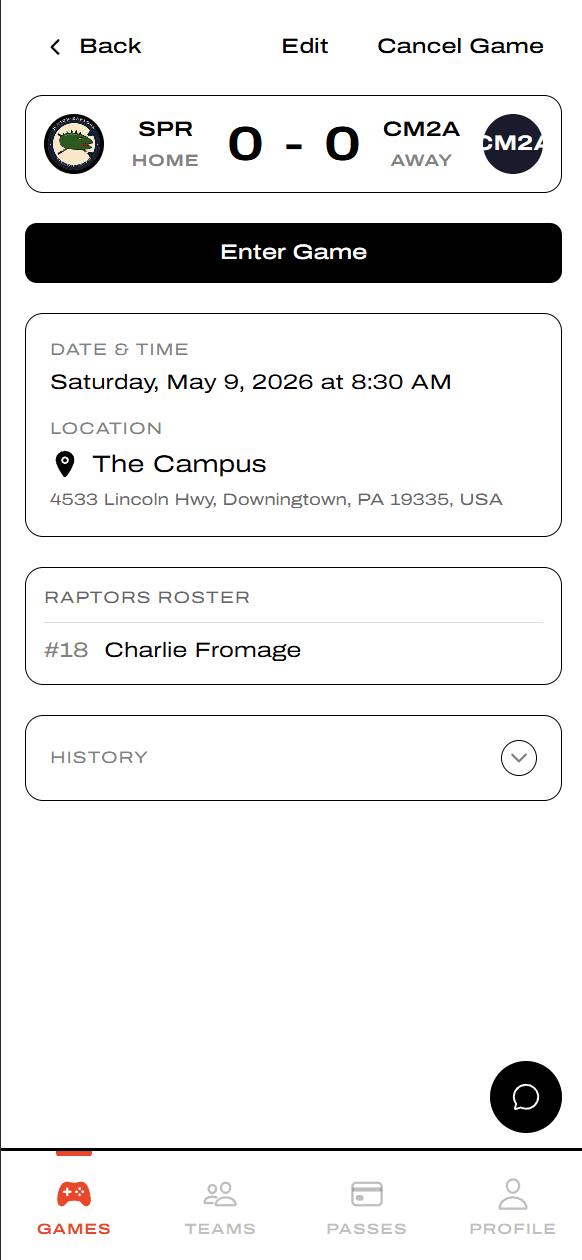
Cancel Game ends the game without it being played — use Edit to just move the date or fix a typo.