
Share a recap
Every finished YAWK game generates a recap image you can share to Instagram, Facebook, X, or LinkedIn — in three aspect ratios sized for each platform.
Two ways to open the share menu
From the Games list
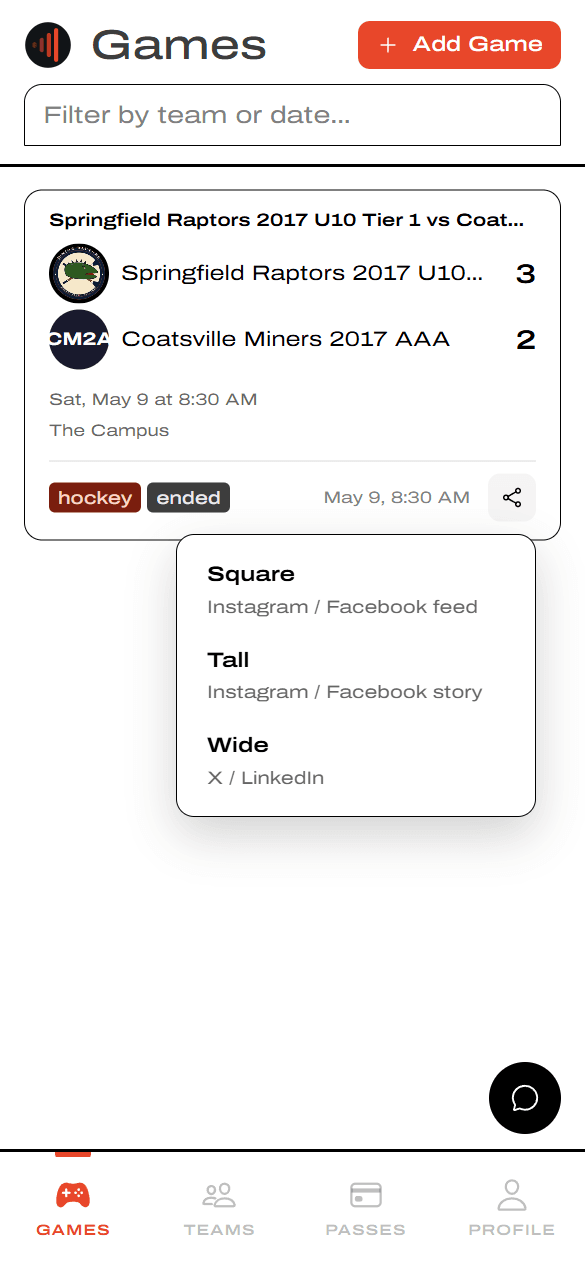
On the Games page, finished games show an ended tag and a share icon on the right side of the card. Tap it to open the format menu without leaving the list.
From the game detail
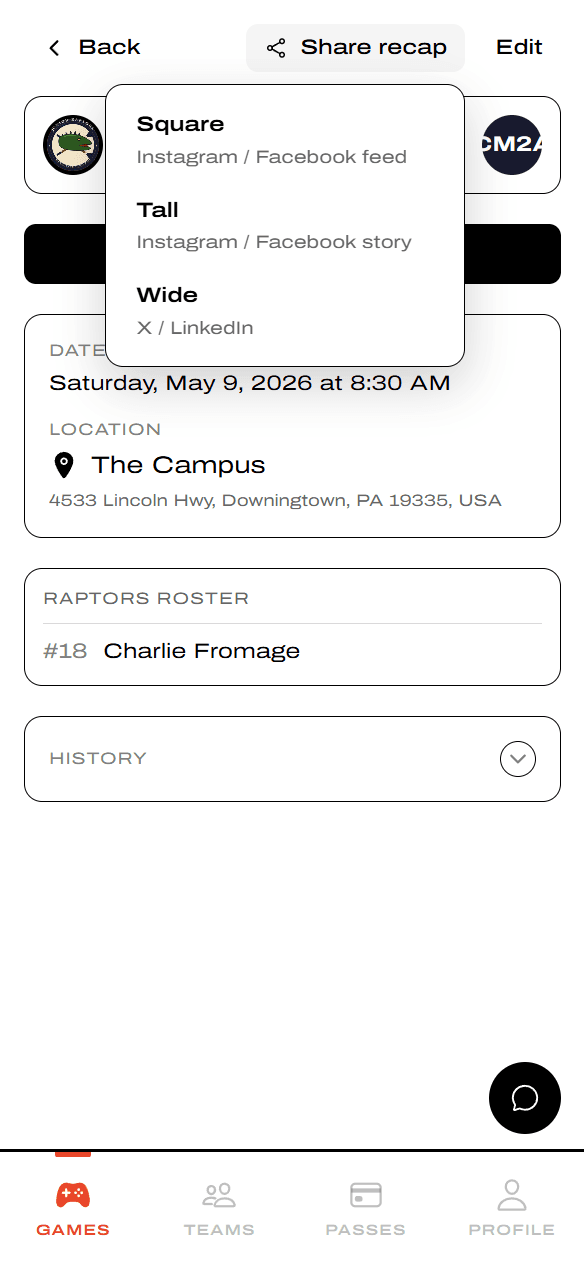
Tap a game to open it. Share recap sits in the header next to Back and Edit. Tap it and the same Square / Tall / Wide format menu drops down.
Pick the format that fits the platform
YAWK's shareable engine renders the recap in three formats and optimizes each one for the platform it's headed to — different aspect ratios, different room for stats and stars of the game.
Square — Instagram / Facebook feed
Portrait-feed format with the full period-by-period scoreboard and up to 3 stars of the game. Best for feed posts where vertical images get the most real estate.
.png&w=3840&q=75)
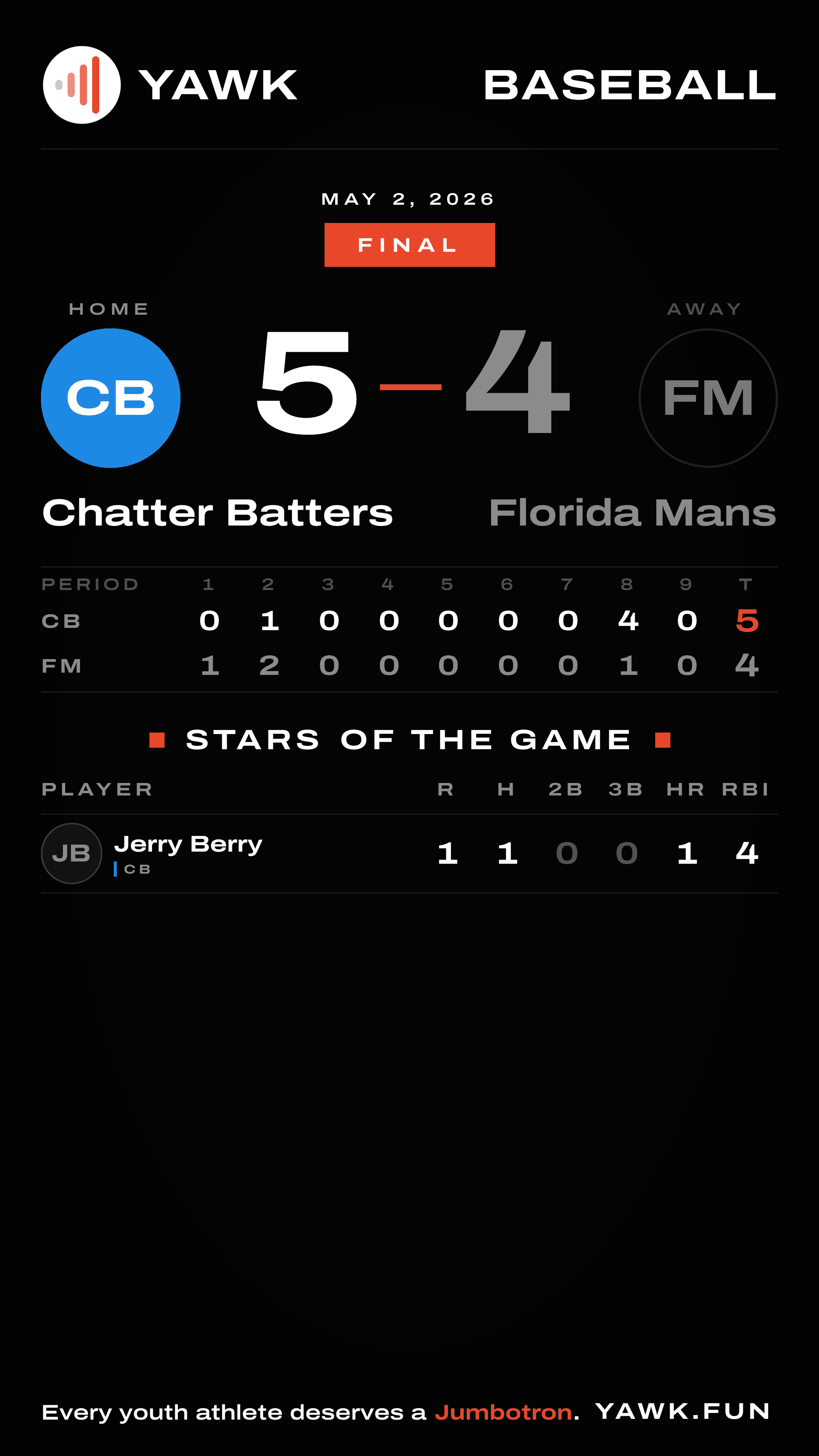
Tall — Instagram / Facebook story
9:16 full-screen story format. Taller canvas leaves room for up to 7 stars of the game, so it's the best pick for celebrating a big team performance.
Wide — X / LinkedIn
16:9 landscape sized for X and LinkedIn timelines, where wider images preview better in feed. Includes up to 2 stars of the game.
.png&w=3840&q=75)
Post it
Download the image, or share the link
Download the image and post it like any other photo, or share the image's link instead. The link is a live URL — the image updates automatically when the game's data changes, so late edits (a player joining the roster, a scorer or assister correction) flow through to anywhere the link is posted.
Sharing the link is best when game data might still change. Download the image when you want a snapshot frozen at this moment.