
Sign up for YAWK
Create your account in under a minute. Use Google, Facebook, or your email and phone — no password required.
Open the sign-up page
Go to Create your account
Tap Get Started on yawk.fun, or open app.yawk.fun and tap Sign Up. You'll land on the Create your account page.
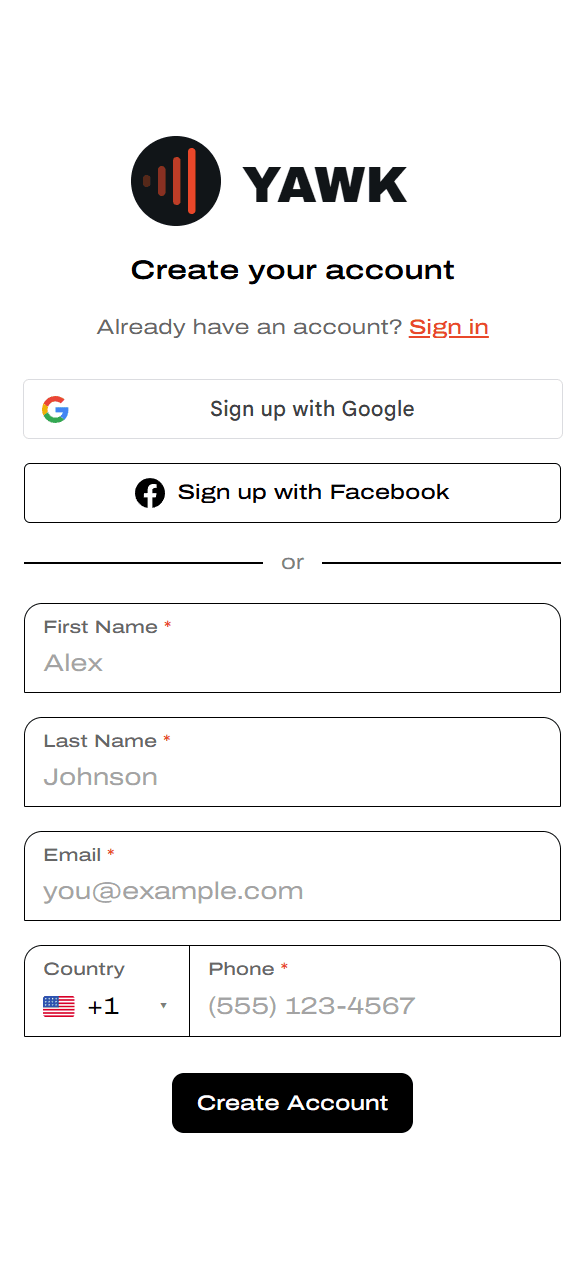
Sign up with email + phone (passwordless)
YAWK does not use passwords. We send a one-time code each time you sign in.
Fill in your details
Enter your first name, last name, email, and phone number, then tap Create Account.
Enter the 6-digit code
We send a verification code to confirm your contact info. Type it into the six boxes to finish creating your account.
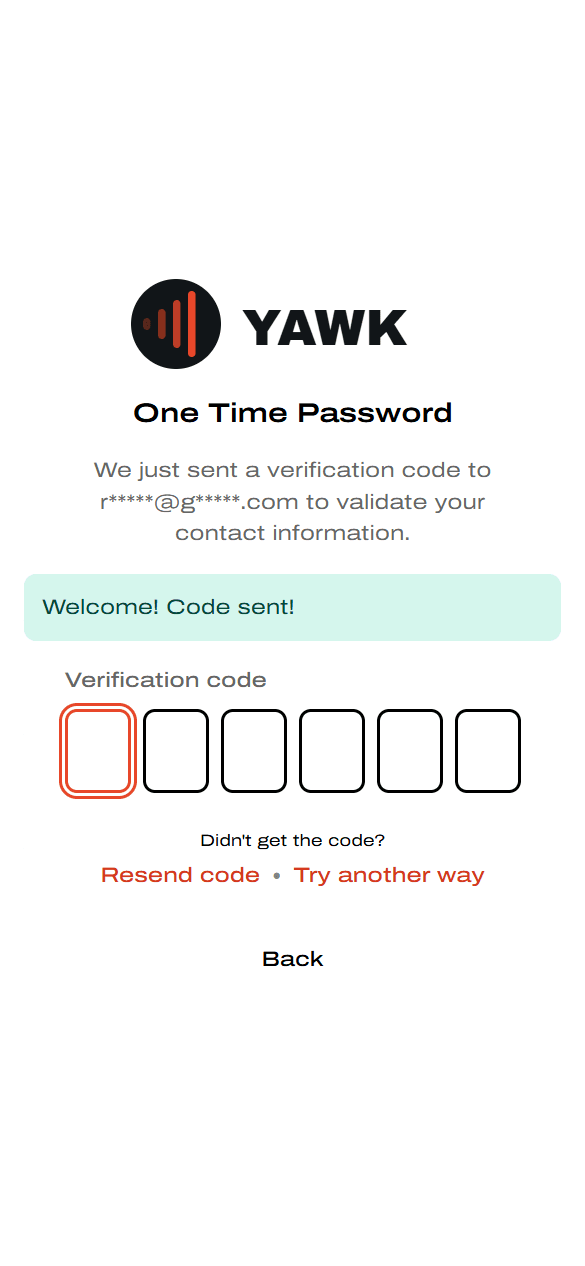
Didn't get the code? Tap Resend code, or Try another way to get the code at your other contact method.
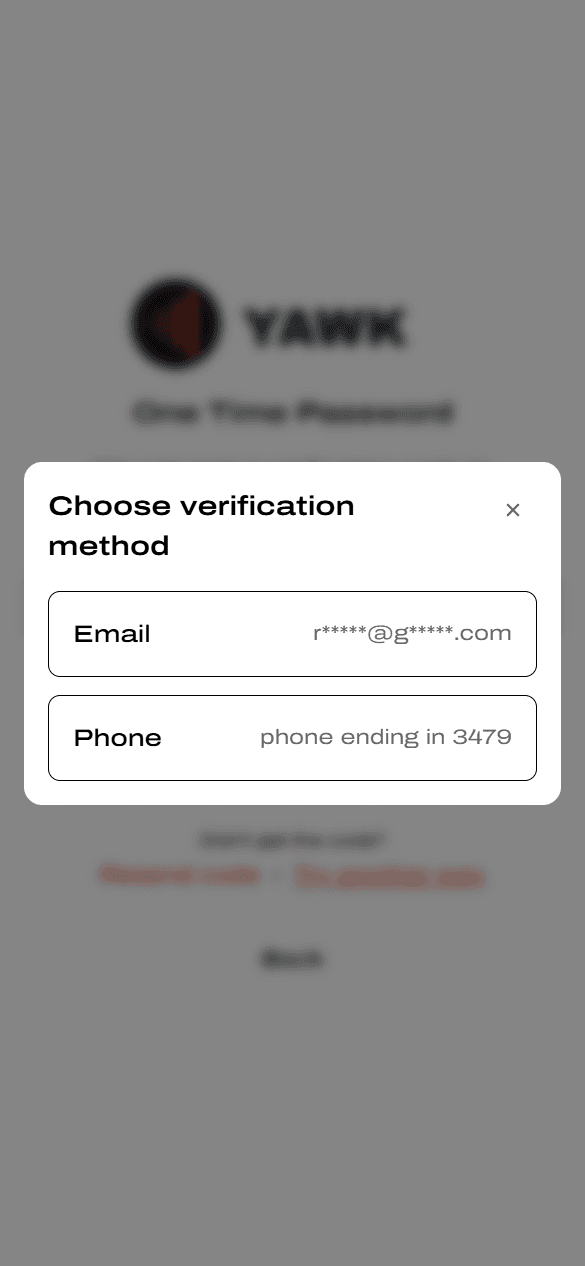
Choose a different verification method
Tap Try another way on the code screen and pick Email or Phone — whichever is easier to check right now.
Or sign up with Google or Facebook
Tap Sign up with Google or Sign up with Facebook
From the Create your account page, choose your provider. You'll be sent to Google or Facebook to confirm, then come back to YAWK signed in.
Mix and match anytime. If you sign up one way (e.g. email) and later sign in another way (e.g. Google) with the same email address, we recognize it and merge into a single account — no duplicates, no lost data.