
Delete your account
You can delete your YAWK account anytime — from the mobile app or the web app. Here's how, and exactly what happens to your data.
Delete from the mobile app
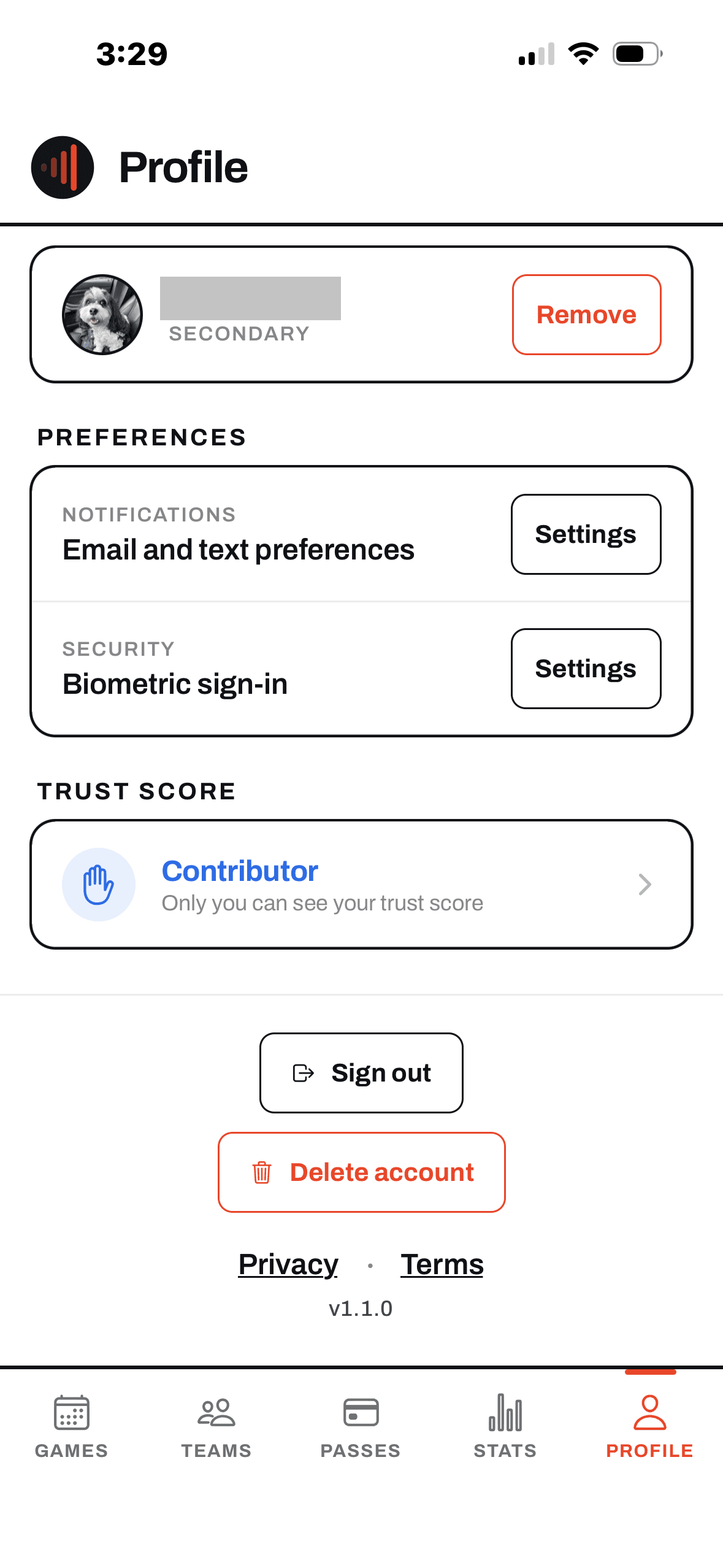
On iOS or Android, account deletion lives at the bottom of the Profile tab. It takes effect the moment you confirm.
Open Profile and tap Delete account
Tap the Profile tab in the bottom nav, scroll to the bottom, and tap Delete account. Confirm in the dialog — you're signed out right away and can no longer sign in.
Delete from the web app
Prefer your browser? The same option lives in the web app at app.yawk.fun.
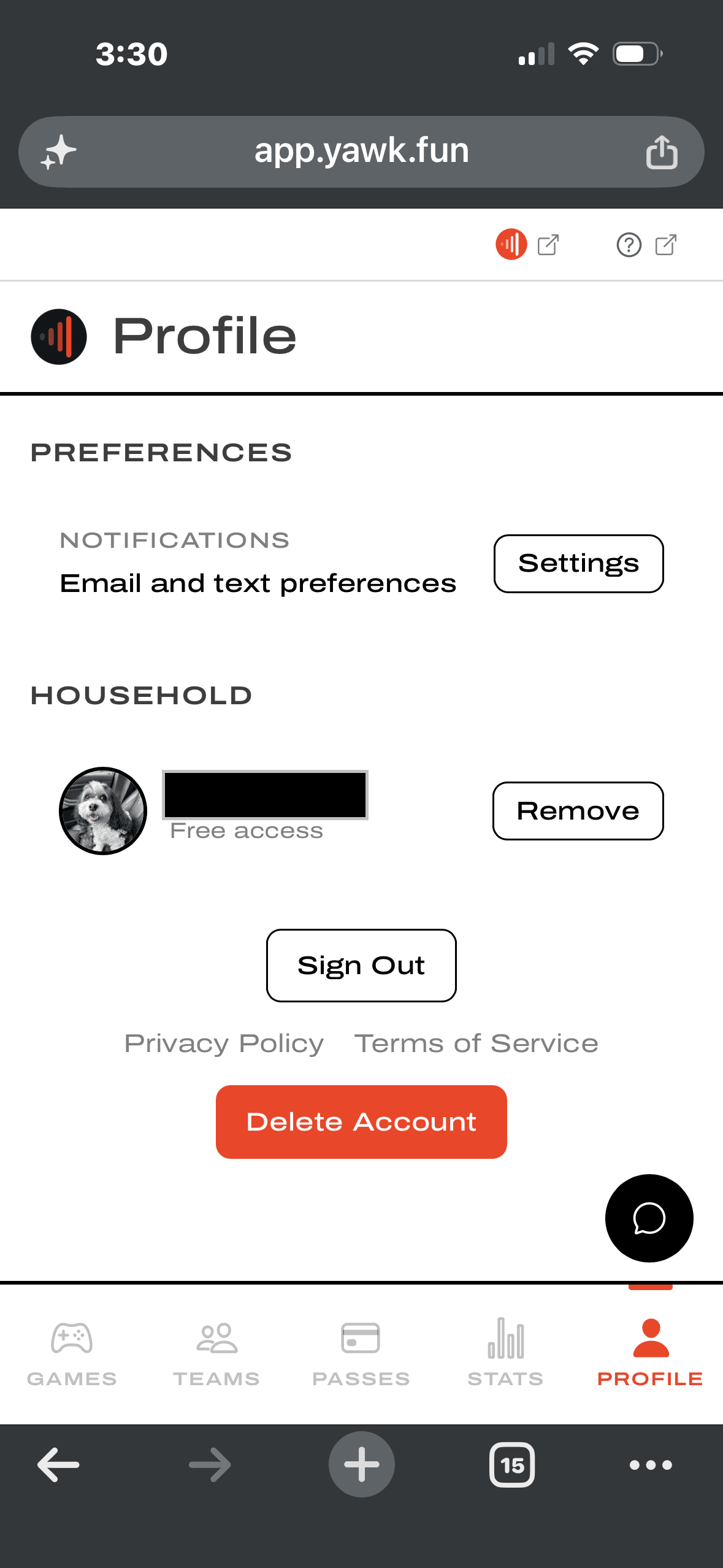
Open Profile and tap Delete Account
Go to app.yawk.fun and sign in. Open your Profile page, tap Delete Account, and confirm in the dialog.
What happens to your household
Sole parent vs. shared household
If you're the only parent in your household, the players you added, their Roster Passes, and any teams you created are deleted along with your account. If you share a household with a co-parent, they take over — your players, their Roster Passes, and your teams stay with them, and only your own personal data is removed.
What we delete and what we keep
Deleting your account is permanent and can't be undone.
Deleted
Your account is deactivated the instant you confirm; the rest of your personal data is removed in the background.
- Your profile — name, email, phone number, and photo.
- Your sign-in credentials, including linked Google, Apple, or Facebook sign-in and biometric (Face ID) keys.
- Your notification preferences.
- Players you added, their Roster Passes, and teams you created — when you have no co-parent.
- Full-length game videos you streamed or uploaded, with the clips and Enhanced Highlights made from them.
Kept in anonymized form
A limited amount of data is retained, but it is no longer linked to you or your identity.
- Payment and purchase records — kept as required by tax and financial-record laws.
- In-game scoring contributions — plays you reported or confirmed in a shared game stay in the historical record, anonymized, so shared results stay intact.
Can't access either app? Email support@yawk.fun from your account's email address and we'll process the deletion for you.